Capture
Capture exactly what matters
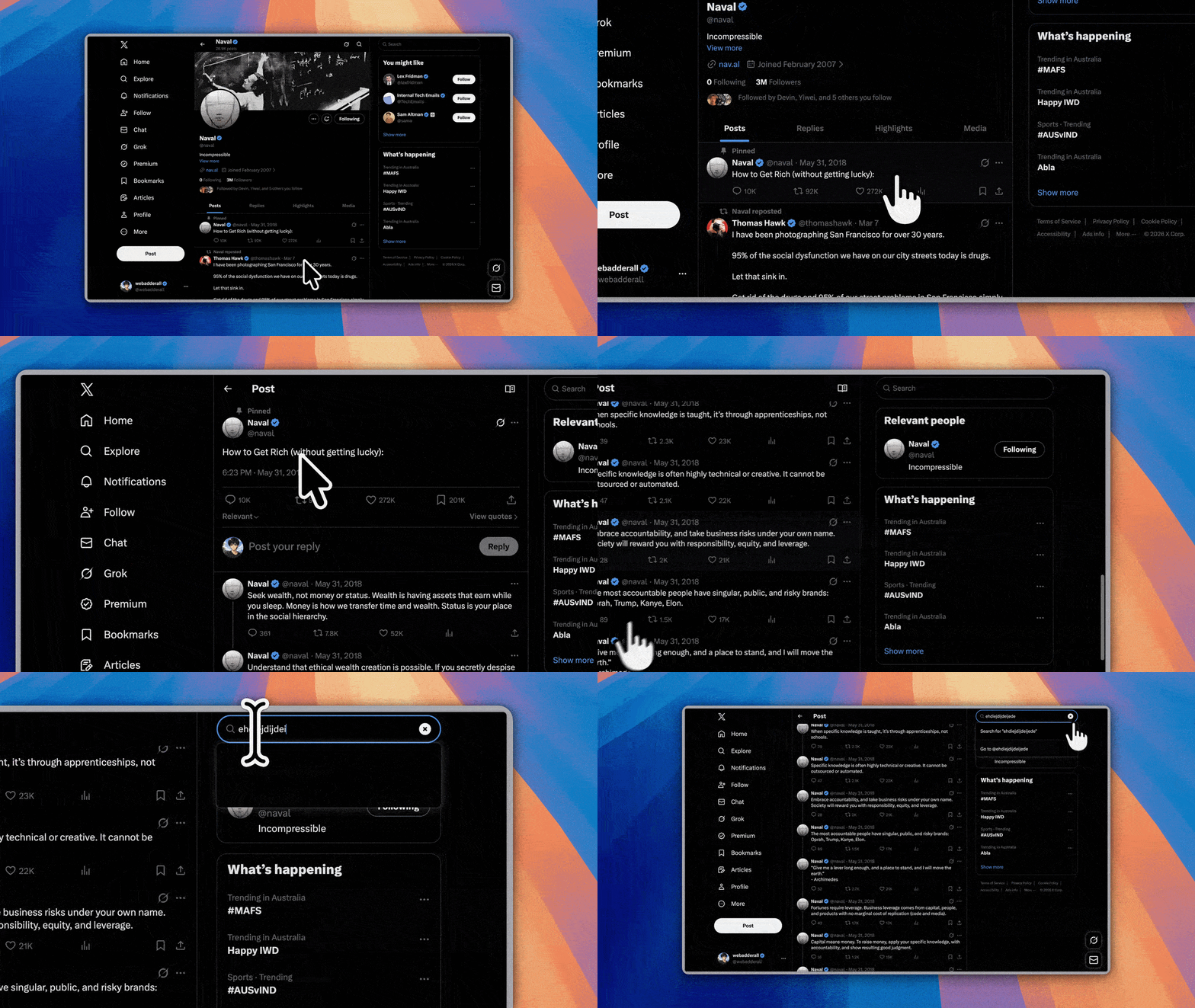
Choose a full display, a single app window, or draw a precise area with microphone, system audio, camera, cursor, and click controls.
//01 LOCAL-FIRST MACOS
A native screen recorder and timeline editor built specifically for macOS. Capture full displays, app windows, or exact regions with hardware-accelerated framerate and crystal clarity. No accounts. No cloud uploads.
Capture · Edit · Export
Capture
Choose a full display, a single app window, or draw a precise area with microphone, system audio, camera, cursor, and click controls.
Edit
Add manual or automatic zoom sections, split clips, tune playback speed, style cursor motion, and place facecam segments independently.
Export
Crop and reframe videos for fixed aspect layouts, compose screenshots on styled backgrounds, and export MOV, MP4, GIF, or PNG outputs.
Built for repeated work
No accounts, no uploads, no cloud processing. Everything lives in your Movies and Pictures folders, organised by project.
Pick a display, window, or hand-drawn region with a capture flow built natively for macOS.
Save clips to Movies and screenshots to Pictures with project metadata created automatically.
Refine clips with trims, speed changes, zoom effects, cursor overlays, and independently controlled camera segments.
Export MOV, MP4, GIF, or PNG assets with crop and aspect controls, styled backgrounds, and screenshot composition.
Local-first architecture
A native Swift UI layer engineered for macOS privacy and ScreenCaptureKit, paired with a durable Rust core for metadata, indexing, and fast exports.
Capture UI, editor timeline, screenshot composition, Finder integration
Project metadata, path handling, screenshot indexing, exports
~/Movies/Open Recorder, ~/Pictures/Open Recorder, and local project files
Open source on GitHub
Make your next product demo feel finished.